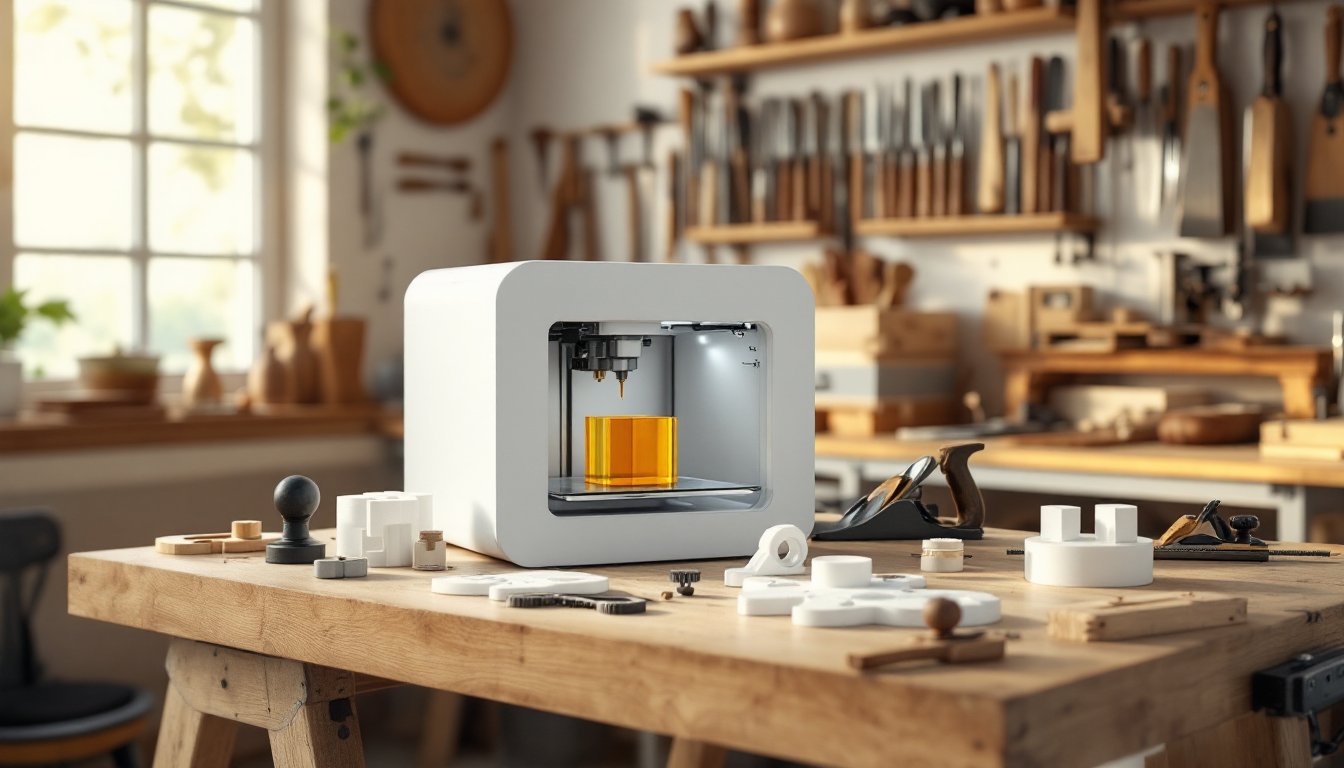
For decades, woodworking tool options boiled down to buying off-the-shelf or commissioning expensive custom pieces. Then came 3D printing, and the game shifted. In 2026, makers can now design and manufacture specialized jigs, fixtures, and layout tools tailored to their exact projects, often for a fraction of traditional costs. The best part? Many designs are free or cheap to download, and printing happens right in the workshop. This isn’t about replacing a chisels or hand planes: it’s about filling gaps in the tool arsenal where one-off solutions make work faster, safer, and more precise. Whether customizing a drilling jig or making a perfectly squared layout guide, 3D printed woodworking tools are proving that modern technology and traditional craftsmanship work surprisingly well together.
Table of Contents
ToggleKey Takeaways
- 3D printed woodworking tools eliminate custom tool friction by enabling makers to design and manufacture specialized jigs and fixtures in 45 minutes for $8–$20, compared to $80–$150 for commercial alternatives.
- Essential 3D printed woodworking tools include drilling jigs, marking gauges, angle guides, and depth gauges that deliver precision, lower setup time, and cost-effective replacements for one-off workshop tasks.
- PETG outperforms PLA for durable workshop tools due to superior heat resistance and impact tolerance, with infill percentages (40–50% for jigs, 80%+ for high-wear surfaces) directly affecting tool longevity.
- Free CAD software like Fusion 360 and platforms such as Thingiverse allow woodworkers to prototype designs in hours by measuring twice, modeling once, and testing at 25% scale before full-scale printing.
- High-stress applications, cutting tools, moving parts, and heat-exposed equipment should never rely on 3D printed materials—stick with traditional tools for structural supports, drill bits, chisels, and saw-adjacent safety devices.
Why 3D Printing Is Transforming Woodworking
3D printing removes the friction from tool customization. A woodworker might spend two hours hand-fitting a mortise jig to their exact workbench, or print one in 45 minutes and tweak the design in software if needed. That flexibility is huge, especially for specialized tasks that might happen once a year.
Cost is another driver. A premium bench jig from a tool supplier can run $80–$150. The same jig printed in PLA or PETG costs $8–$20 in material. That math encourages experimentation: makers aren’t precious about the tool failing or wearing out, so they actually use the prototypes instead of shelving them.
Precision matters in woodworking, and 3D CAD models are inherently precise. A printed drilling guide or pocket-hole jig holds tolerances tighter than hand-made versions, which means fewer mistakes during the actual woodworking. Some makers report cleaner mortises and dadoes using 3D printed edge guides.
The community aspect speeds adoption. Sites like Printables, Thingiverse, and MyMiniFactory host thousands of free or low-cost woodworking tool models. Designers iterate openly, and a maker can grab a design Monday and print by Wednesday.
The Best 3D Printed Woodworking Tools to Make or Buy
Not every printed tool is a game-changer, but certain categories see real payoff.
Jigs and Fixtures
Drilling jigs are the most popular print. A Kreg-style pocket-hole jig or dowel drilling guide costs almost nothing in filament and cuts setup time significantly. Makers can print jigs specific to their project dimensions, say, a mortise drilling template for a custom table leg angle. These tools take heavy abuse but rarely break because replacement is trivial.
Miter jigs for table saws and circular saws work well as printed designs, especially simple angle guides. Some makers print them in TPU (flexible resin) for grip and vibration damping. A router edge guide or fence clamp also prints cleanly and handles light router loads without issue.
Storage and assembly jigs round out this category. A clamp holder keeps your bench organized, and a finish-application jig ensures even coating. These cosmetic helpers aren’t critical but save time in repetitive tasks.
Measuring and Layout Tools
Marking gauges print well because their tolerances don’t demand metal. The needle or marking blade can be a standard component (woodworker inserts it into the printed body), keeping the plastic doing what it does best, holding geometry.
Angle guides, squares, and setup blocks print with excellent accuracy. A printed reference block for dado widths or a 45-degree angle gauge stays true better than something hand-carved. These tools live in the shop drawer and pay dividends on every project.
Depth gauges for drill presses or cut-off saws prevent costly mistakes. A woodworker can print one specific to their saw model and material thickness, ensuring consistent results without mental math.
How to Design and Print Your Own Woodworking Tools
Start by identifying the pain point. Is it repetitive setup? Inconsistent results? A specific task that eats time? Sketch the tool, measure the relevant dimensions (workbench height, tool apertures, stock width), and work those into the design.
Free CAD software like Fusion 360 (cloud-based, beginner-friendly) or FreeCAD (offline, steeper learning curve) gets the job done. YouTube tutorials exist for both: most makers pick them up in a few hours. Alternatively, download an existing design from Thingiverse or Printables and modify it using Tinkercad (browser-based, more forgiving than Fusion).
Dimensions matter: measure twice, model once. A drill guide offset by 2mm will throw your entire project off. Reference your actual tools, caliper widths, clamp throat depths, bit sizes, and build tolerance into the printed part (e.g., 0.5mm clearance in a hole).
Slice and export as STL, the standard 3D printing format. Most slicing software (Cura, PrusaSlicer, Bambu Studio) will import the file and auto-orient it for printing. Preview the path: if the tool is large or will see stress, print with higher infill (see Materials section below).
Test and iterate. Print at 25% scale first as a proof-of-concept. If it works, print full-size with confidence.
Materials and Settings for Durable 3D Printed Tools
PLA is the default beginner filament, cheap, prints clean, and works for low-stress tools like marking gauges or small jigs. It’s brittle and doesn’t tolerate heat or flexing, so avoid it for anything that’ll live near a dust collector or see impact.
PETG is tougher and more heat-resistant than PLA, making it the smarter choice for shop tools. It prints slightly trickier (bed temperature ~80°C, nozzle ~240°C) but delivers parts that won’t shatter if dropped. Most woodworking jigs and fixtures deserve PETG.
TPU (flexible resin) works for clamps, edge guards, and grip surfaces where some give is useful. Printing TPU is slower and finickier, but the flexibility prevents marring workpieces.
Infill matters. Low-stress measuring tools print fine at 15–20% infill: drilling jigs and clamps benefit from 40–50% to resist breaking. High-wear areas (clamping surfaces, guide rails) might warrant 80%+ infill or printed-in reinforcement ribs.
Layer height of 0.2mm balances speed and precision for most tools. Dial down to 0.1mm if tight tolerances are critical.
Post-processing extends tool life. Sand printed parts with 120–220 grit to smooth layer lines and improve feel. Apply epoxy resin coating to high-wear surfaces, or CA glue for quick hardening of threads and joints. This protects PETG from UV degradation in the workshop.
Limitations and When to Stick With Traditional Tools
3D printing excels at custom jigs but struggles with high-stress, high-precision applications. Never print a saw blade holder, carriage bolts, or structural supports that hold heavy stock. The tensile strength of PETG (~50 MPa) is respectable but still inferior to aluminum or steel under load.
Drill bits, chisels, hand planes, and other cutting tools don’t benefit from 3D printing. The material can’t hold a sharp edge, and replacing them when dull defeats the purpose of owning quality cutters.
Moving parts (tumblers, bearings) rarely work well unless designed with extreme precision and paired with metal components. A printed clamp handle with a metal screw works: a printed hinge that articulates a few thousand times will wear and fail.
Heat exposure rules out tools for a router setup near a radiant heater or a jig for steam bending. Printed PLA softens around 60°C: PETG holds longer but doesn’t belong near hot glue guns or kiln-dried lumber fresh from the oven.
Safety is paramount. A printed guide for hand tool use is fine. A printed push stick or featherboard for a table saw deserves scrutiny, verify infill, material, and test under load before trusting it near a spinning blade. When in doubt, print a test piece and stress-test it off the tool first.